To show all emotes visit Category:Emote
What is it
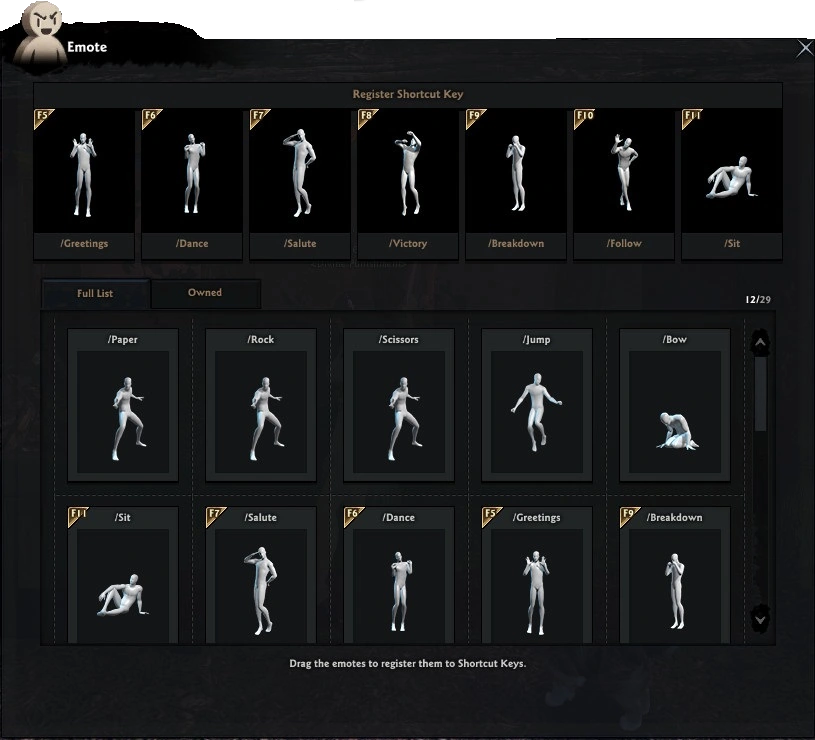
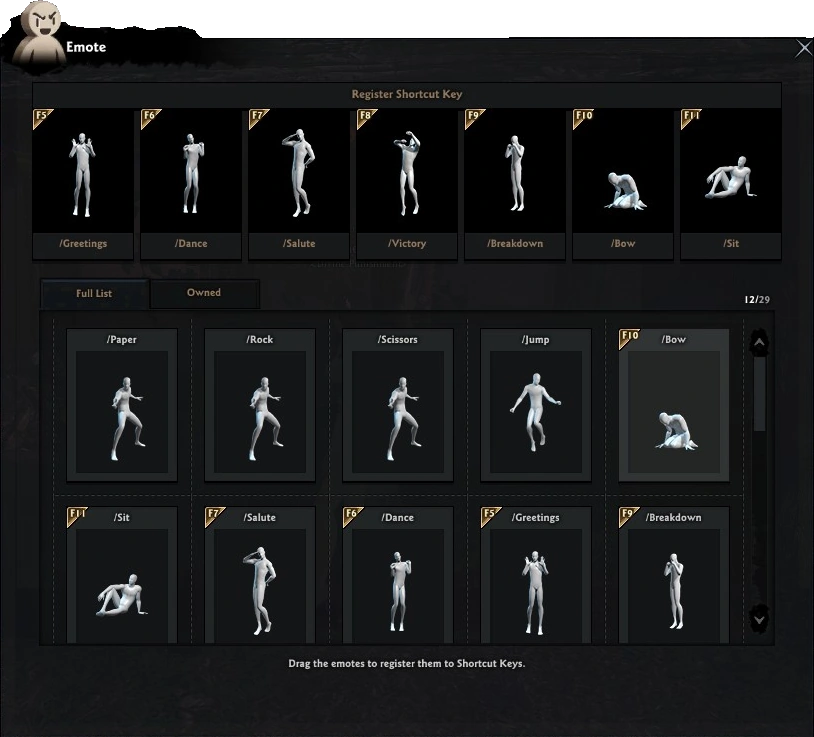
The Emote is another window in the Vindictus. This window allow you to organise all your emotes.
Emotes you can get from special events or you can by it on the Marketplace. Then the emote after use will show in this window.
On the right side you have an example of the window.
How to open Emote window
You can open the Emote window using two methods.
1) The window you can open using Menu. Then you can find there button Emote and click on it.
2) You can also use shortcut for the window (J).
How to use it
A the top you have 7 preset Emotes in F5 to F11.
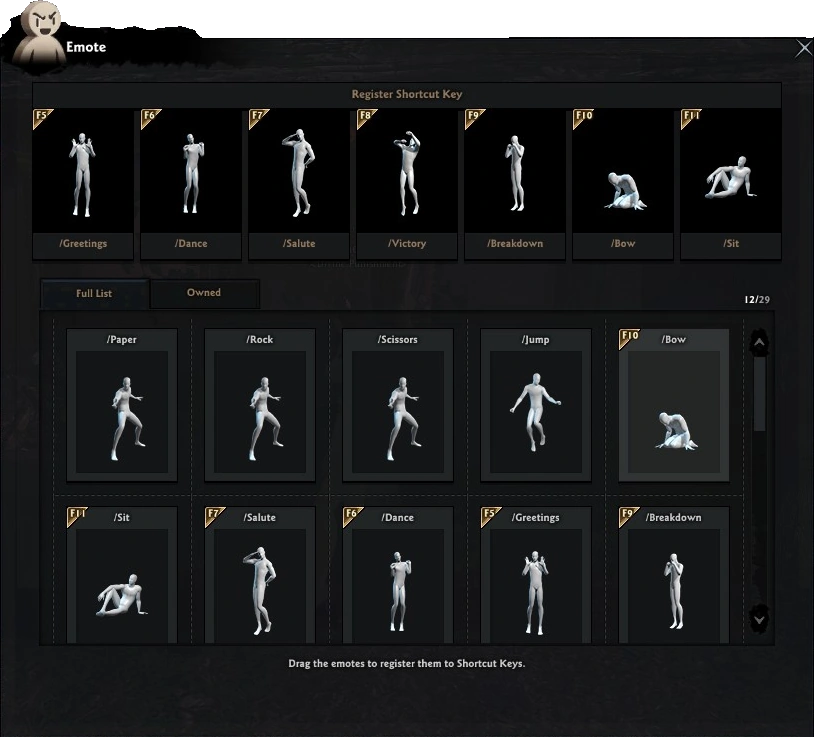
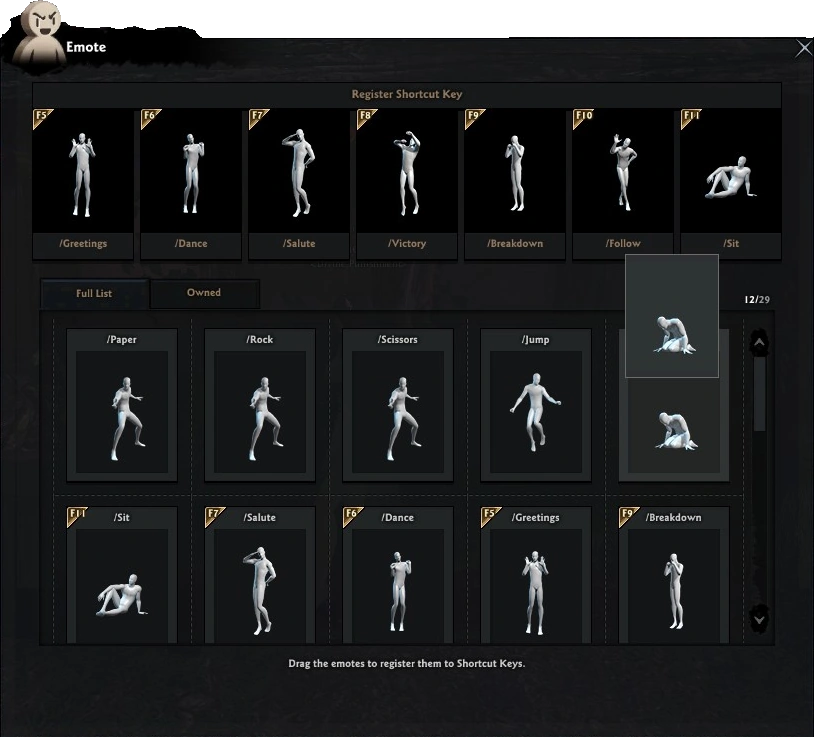
If you want to change any of them, you can drag another emotes and paste it under your wanted F key.
-
 Take You wanted Emote
 -
 Drag to your wanted F Key
 -
 Now you have the Emote under F10 Key
Preview
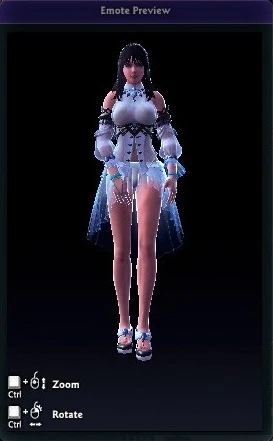
If you want to buy or you want to only view the emote, you must go to on icon with cursor. Then game will show you animate your character in the separate window.